Voice Zettel
Your voice. Your vault. Nothing in between.
Your voice. Your vault. Nothing in between.
Voice Zettel is the fastest way to get a thought into your second brain — before it disappears. Open the app, tap once, speak. Your voice is transcribed on-device, formatted with your template, and saved directly to your vault. No copy-paste, no switching apps, no friction.
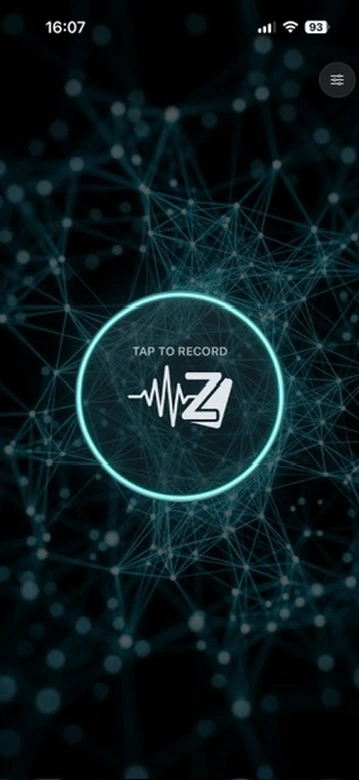
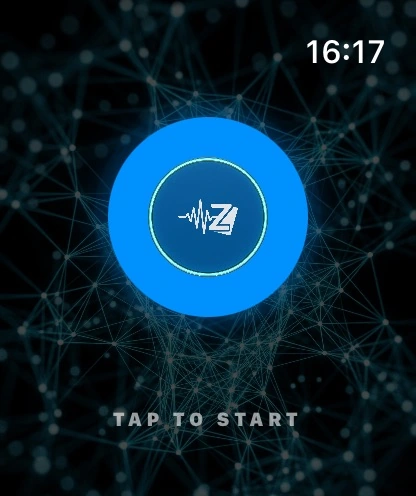
Every note arrives structured, linked, and ready for your workflow.
Tap once. Speak. Your note is transcribed and saved before the thought fades. Works on iPhone and Apple Watch — so you're never more than a wrist-raise away.
Two engines, zero cloud. Apple Speech delivers real-time streaming transcription as you speak. WhisperKit runs fully on-device — the Tiny model comes preinstalled, with Small, Base, and Large V3 Turbo available to download. Automatic language detection. No subscription. Nothing leaves your device.
Every note lands with YAML frontmatter — date, title, type, tags, and status: [[unprocessed]] — so new notes appear in your graph the moment they arrive. Define your own template using placeholders like {{date}}, {{title}}, {{tags}}, and {{content}} — the app lists every available variable in settings.
The app extracts the main keywords from your note and offers to turn them into [[wiki-links]] — one tap, your choice. Auto-tagging is optional too, and you can define a set of tags that are always applied to every note. Configure it all in settings.
Optionally save the original voice memo alongside your note. Enable it in settings and add {{recording}} to your template — the audio file is saved to your vault and embedded as a link. WhisperKit only.
Set a maximum recording duration — from a quick atomic thought to a long dictation. For anything beyond a minute or two, WhisperKit is recommended for accurate, offline processing of longer audio.
Add Voice Zettel as a complication on your Apple Watch face. One tap from any watch face straight into recording — the fastest possible path from a thought to your vault.
Voice Zettel writes directly to a folder on your iPhone. For this to work, your vault needs to be accessible from your phone — iCloud Drive is the easiest way, and what most Obsidian mobile users already use. Any folder visible in the Files app will do.
Once connected, it works with Obsidian, Logseq, NotePlan, Ulysses, iA Writer, or any plain folder. It never reads what's already there — keywords come only from what you just said.
Requires your vault to be accessible on your iPhone — via iCloud Drive or the Files app.
Voice Zettel does not collect, transmit, or store any personal data. All audio is processed entirely on your device using Apple's Speech framework or WhisperKit (a local Core ML model). Notes are written directly to a folder you choose — no accounts, no servers, no cloud sync managed by this app. The app requests microphone access for recording and speech recognition access for transcription. Neither is used for any purpose other than creating your note.
Last updated: April 2026